Six years ago I got fed up paying for inkjet ink, so I bought a Brother monochrome laser printer instead. I’m in IT, I print constantly — whitepapers, study material, whole books, coloring books for my family — and I can tell you exactly what six years of that looks like. The Brother HL-L2460DW I’m linking here is the same printer as mine with Wi-Fi added; mine is the HL-L2300D, and everything below is my experience with the printer itself, not a spec sheet.
As an Amazon Associate I earn from qualifying purchases. I bought this product myself and this is my own experience with it.
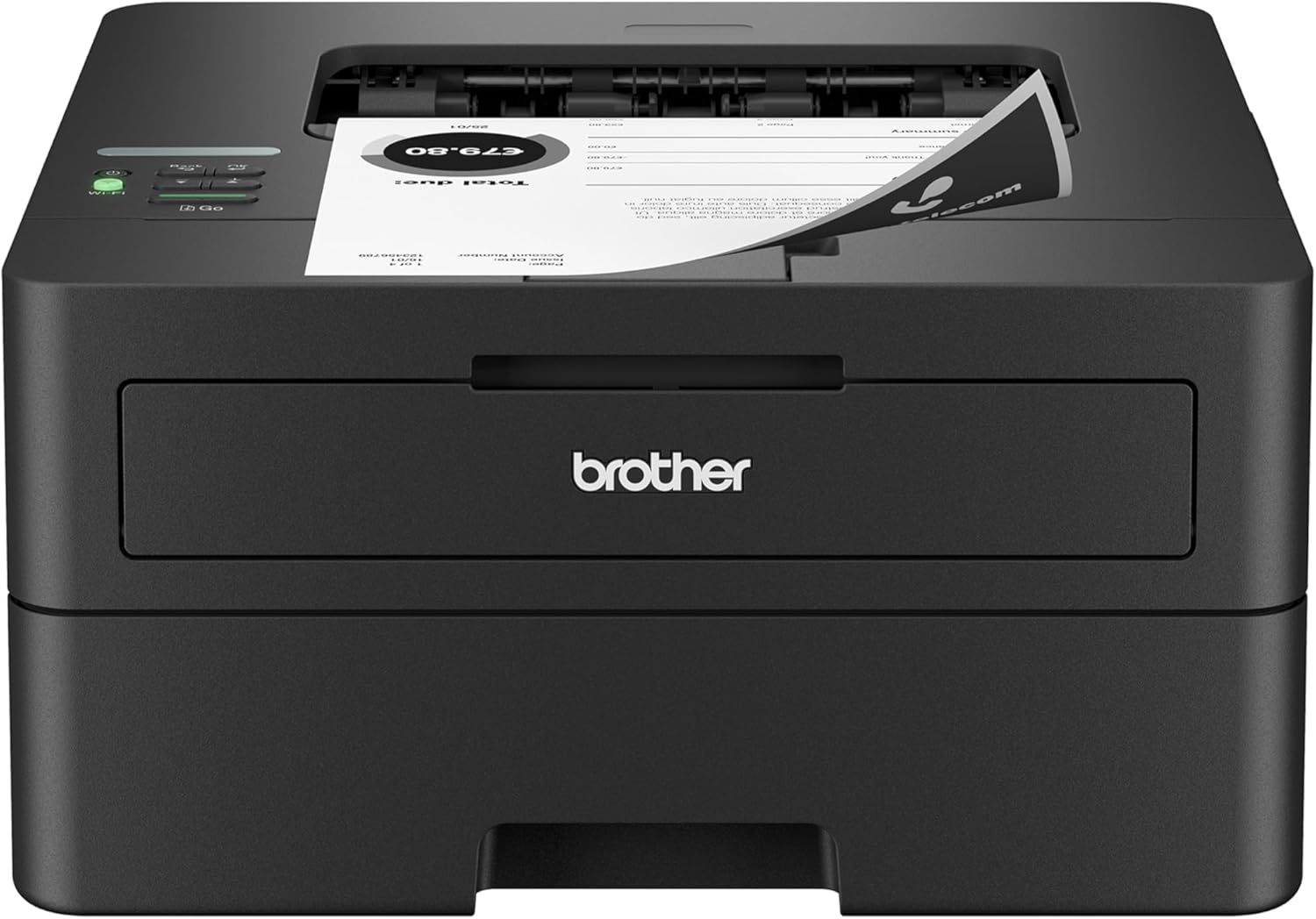
Brother HL-L2460DW Review: Why I’d Never Go Back to Inkjet
If you print mostly black and white and you’re tired of buying ink, this class of printer is the answer, and six years of evidence backs that up: mine is still running, still fast, and I’ve spent a fraction of what inkjet would have cost me. The HL-L2460DW is the current version of the machine I own — same line, same approach, with dual-band Wi-Fi, Ethernet, and USB added. It’s for the IT person, the student, the parent printing coloring books, anyone whose output is 90% black and white. It is not for anyone who needs color.
Why I Bought It
My previous printer was an inkjet, and the ink is what drove me away. It cost so much for ink that it genuinely made me resent printing — I’d think twice before printing a document because I knew what a cartridge replacement was going to cost. Nothing about the output was worth that.
So I switched to a monochrome laser and never looked back. The whole pitch was simple: cheaper consumables, sturdier parts, and a machine that keeps working instead of dying young. That’s what I got.
What Six Years of Printing on This Machine Has Been Like
My use case is not light. I read a lot for work and study, so I print whitepapers, documents, and whole books. I also print coloring books for my family. This printer has done all of that for six years, which is the part that surprises me most — a normal cheap inkjet would have died a long time ago.
What it earned its keep on is speed and running cost. Printing is fast enough that a stack of pages comes out before I’ve finished thinking about it, and the toner just keeps going. A cartridge lasts me months, and I get thousands of pages out of one before it runs dry. I buy high-yield third-party toner in bulk — the cheap off-brand stuff — and even then it takes thousands of pages to run out. The listing names Brother Genuine TN830 and TN830XL for this model, and I’ll say this: the cheaper third-party cartridges do work, but the good cheap ones last noticeably longer than the bad cheap ones. Buying the official ones would still be cheaper than inkjet over the life of the printer.
I use automatic two-sided printing constantly, which is the other reason the cost math works out. Duplex halves the paper I buy and I don’t have to flip anything by hand.
The only paper jam I’ve ever had was my own fault — I was rushing, fed a sheet in crooked, and forced it. It was easy to clear: the doors open easily and the paper comes straight out. Beyond that, no jams, and I have not replaced a part yet.
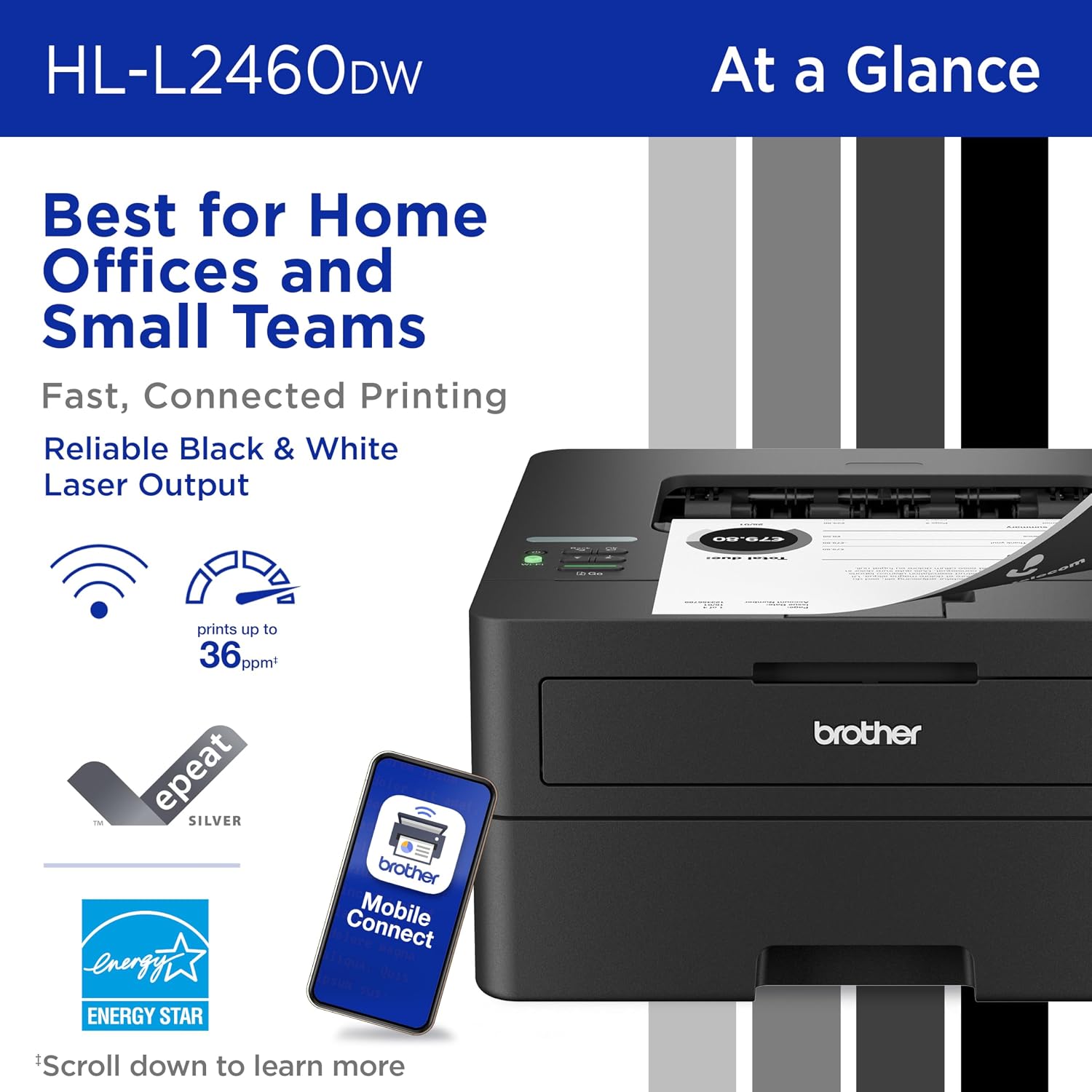
Key Specs
| Type | Monochrome (black & white) laser |
| Print speed | Up to 36 ppm, per the listing |
| Two-sided printing | Automatic duplex |
| Connectivity | Dual-band Wi-Fi (2.4/5 GHz), Ethernet, USB |
| Paper tray | 250 sheets, plus a manual feed slot for envelopes |
| Toner | Brother TN830 / TN830XL |
Specs from the Amazon listing; everything about how it performs above is mine.
Who Should Skip It
If you need color, skip this — don’t buy a monochrome laser and hope. Go straight to a color laser printer as the bare minimum. An inkjet only makes sense if you specifically want the way ink color looks, and if you want true photo-quality prints, you’d honestly be better off using Walmart or CVS, where the real photo printers cost cents per picture.
The other group is people who print rarely. If a few pages a month is your whole workload, you’re paying for durability you won’t use.
Brother HL-L2460DW FAQ
How much does toner cost to run on this printer?
Cheap is the reason I bought it. I buy third-party high-yield toner in bulk and it runs for thousands of pages per cartridge — a cartridge lasts me months. The listing specifies Brother Genuine TN830 or TN830XL if you want official supplies, and even at those prices it still comes out far cheaper than feeding an inkjet over several years.
Do you need special drivers for the Brother HL-L2460DW?
I can’t speak to the driver install, because I don’t do one. My printer sits on a wired Ethernet connection behind my own print server on my network, which is how I set it up on day one. That route has needed no fussing in six years, which is exactly why I keep using it.
Does the Brother HL-L2460DW work on Wi-Fi?
I haven’t tested the wireless on this model — the printer I’ve run for six years is the same machine without it, and I use a straight wired connection. The listing says this version adds dual-band Wi-Fi (2.4 and 5 GHz), Ethernet, and USB, plus the Brother Mobile Connect app for printing from a phone.
Bottom Line
Six years, thousands of pages, one self-inflicted jam, and no part replacements. The HL-L2460DW is the current version of the printer that made me stop resenting what printing costs, so if you print mostly black and white and you’re done buying ink, this is the category to buy into. If you need color or photo prints, look elsewhere.